#Foundations · Free field guide

The basics of
AI video prompting.

From one image to a finished scene, and back to the simple formula that makes it all work.

A short, practical primer from the upcoming AI Video Playbook 2026. Every clip on this page was made for it: image-to-video on Kling 3.0 Omni, video-to-video on Gemini Omni, the story scene on Seedance 2.0.

01  The payoff 02  Image → Video 03  Video → Video 04  Build a prompt
01Start with the shortcut

A storyboard becomes a scene.

Sixteen panels, one image generated with GPT-Image 2, animated into a single continuous fifteen-second scene on Seedance 2.0, with sound. Below, we break down the building blocks that get you here.
A 4x4 storyboard: a man eats spaghetti, steps out for a call, crows raid his plate, the cat fights them off, he scolds the cat, then realizes and hugs it.
The storyboard: 16 panels, one image, one consistent character.

One shot. No edits, no cherry-picking. Ideal for a quick proof of concept.
Play the animated scene
The animated scene
02Low-hanging fruit · one

Image → Video.

The most practical method there is. Your still already does 80% of the work. It shows the subject, the wardrobe, the world. Your prompt only has to add motion and one camera move.

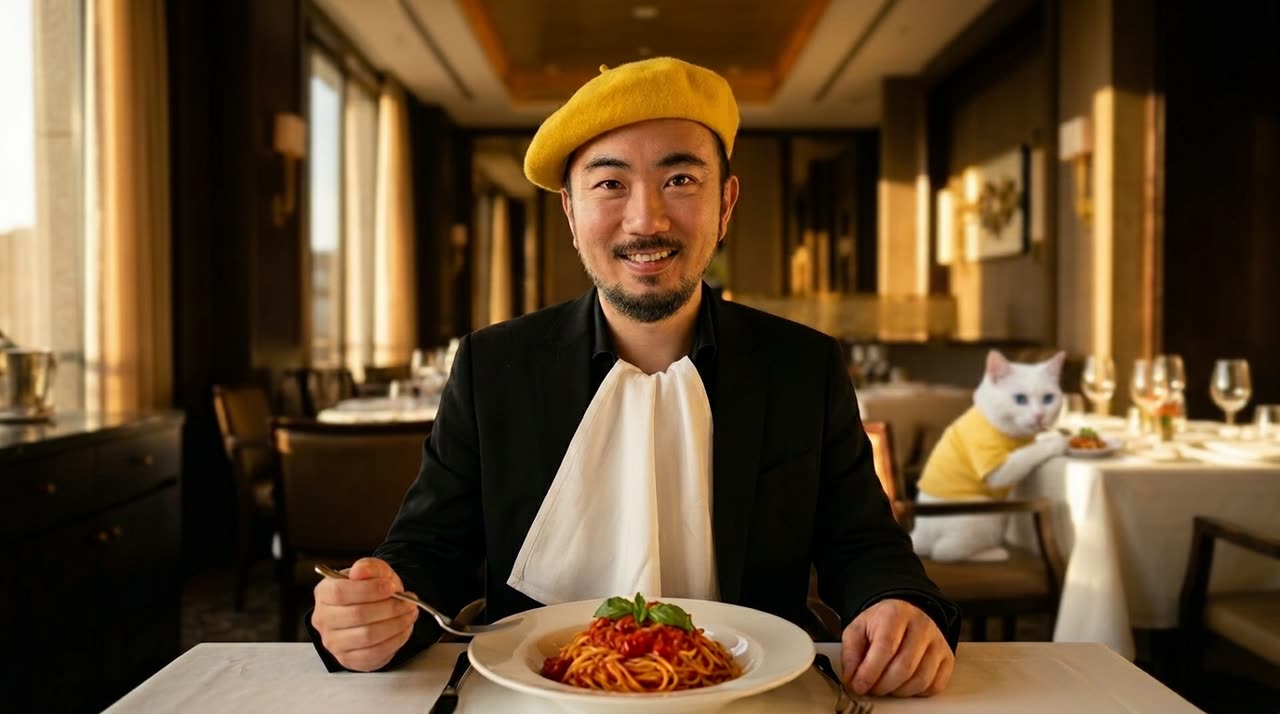
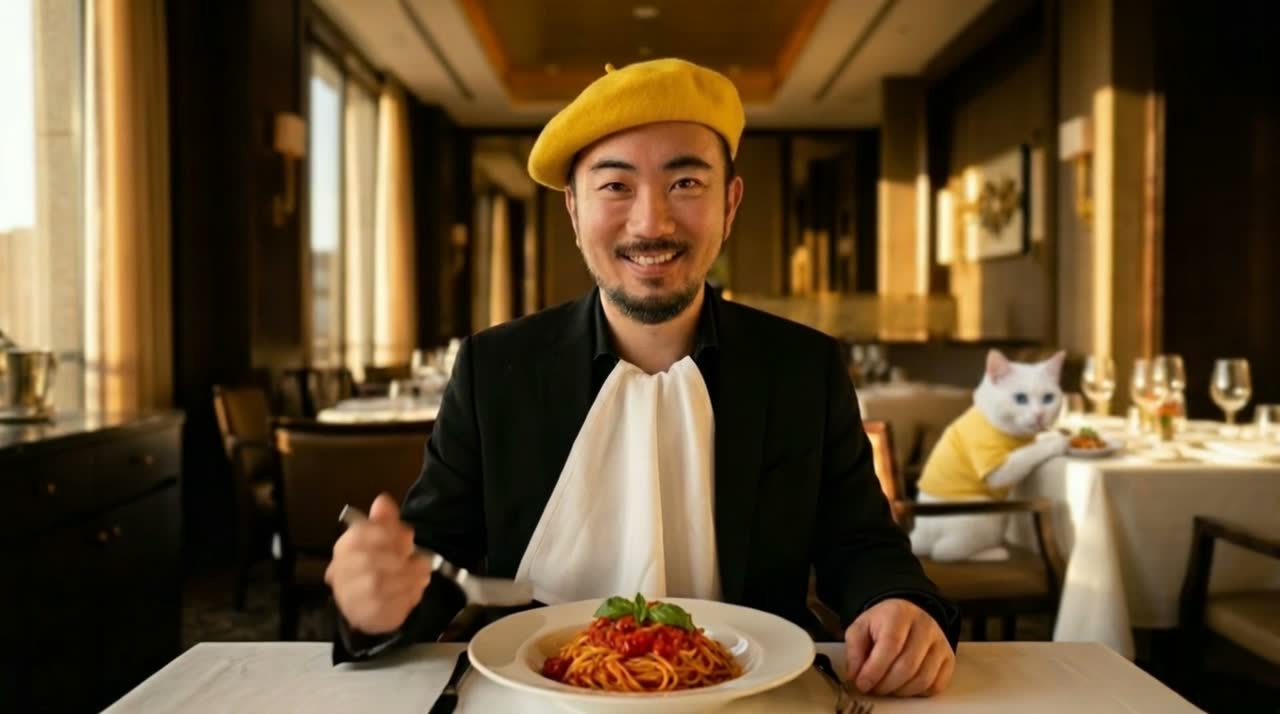
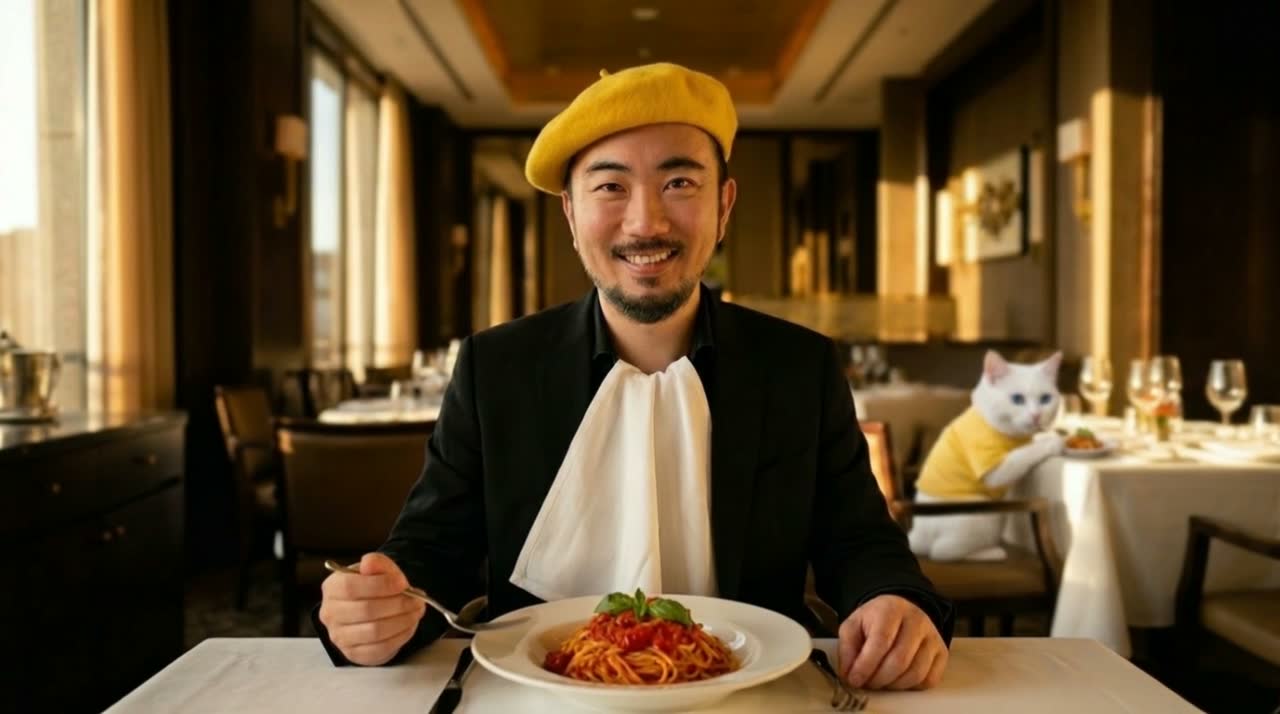
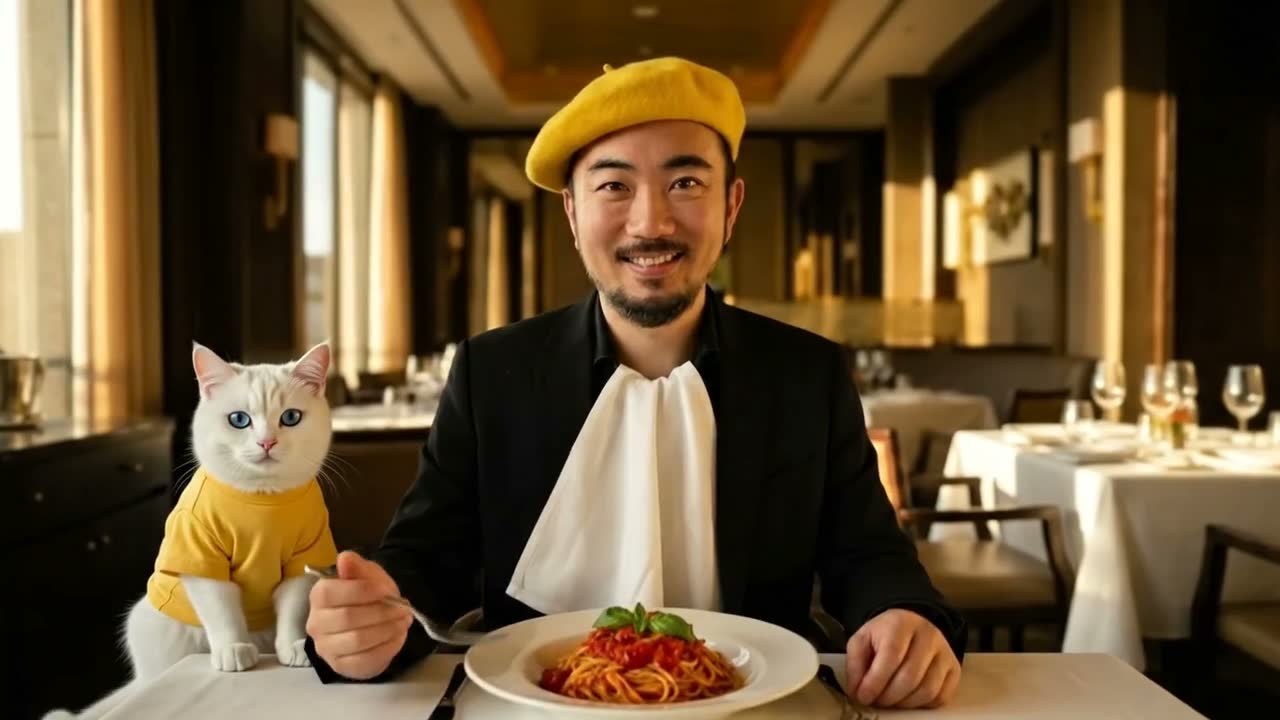
The source still: a man in a yellow beret eating spaghetti in an elegant restaurant, a white cat seated behind him.
The input still

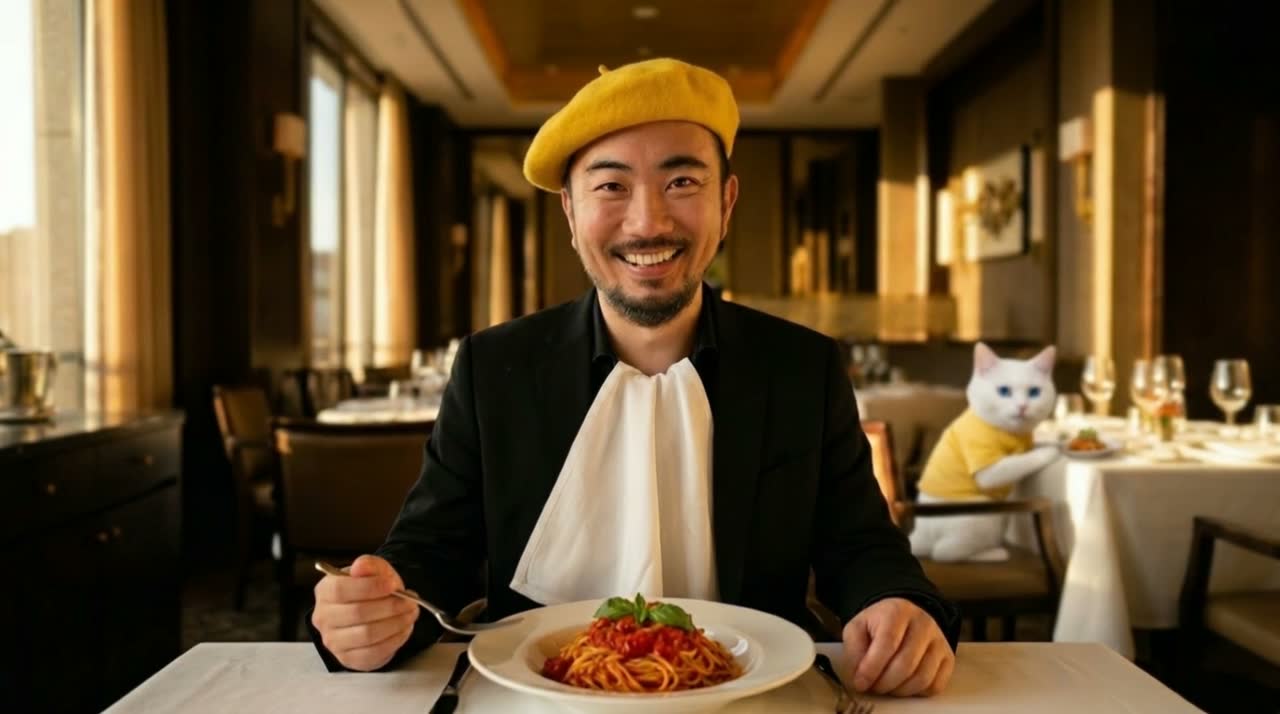
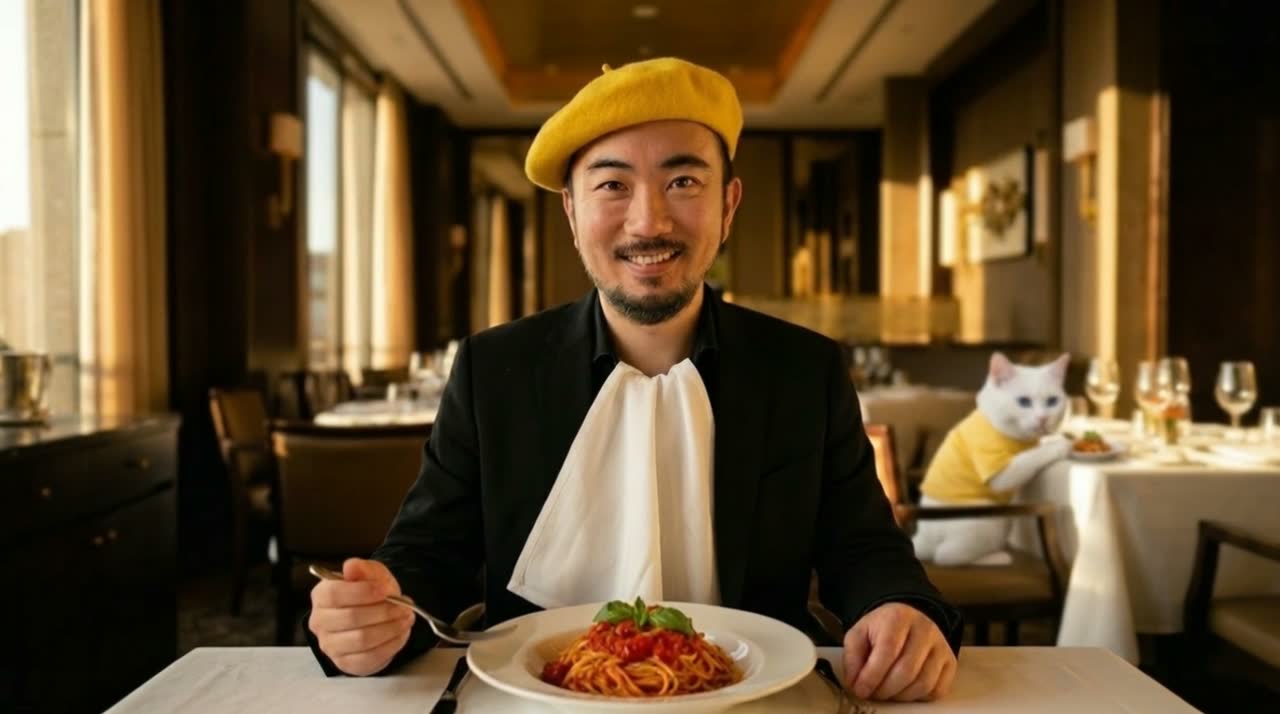
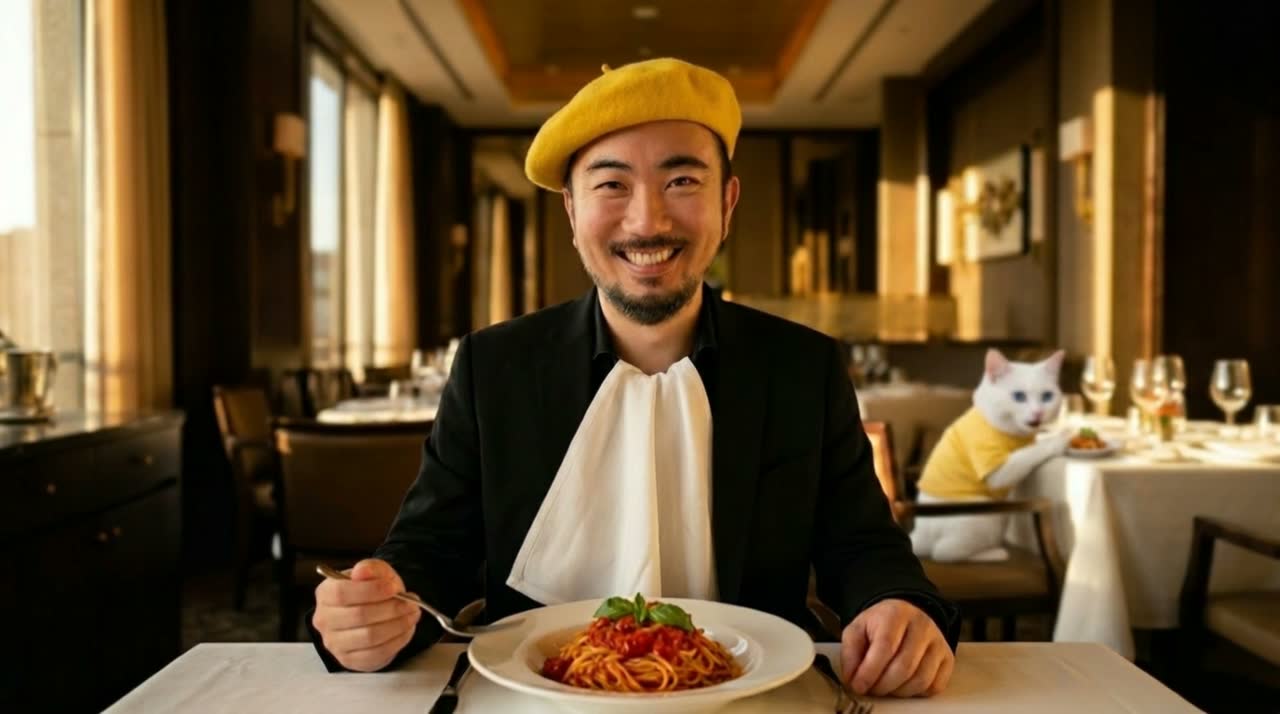
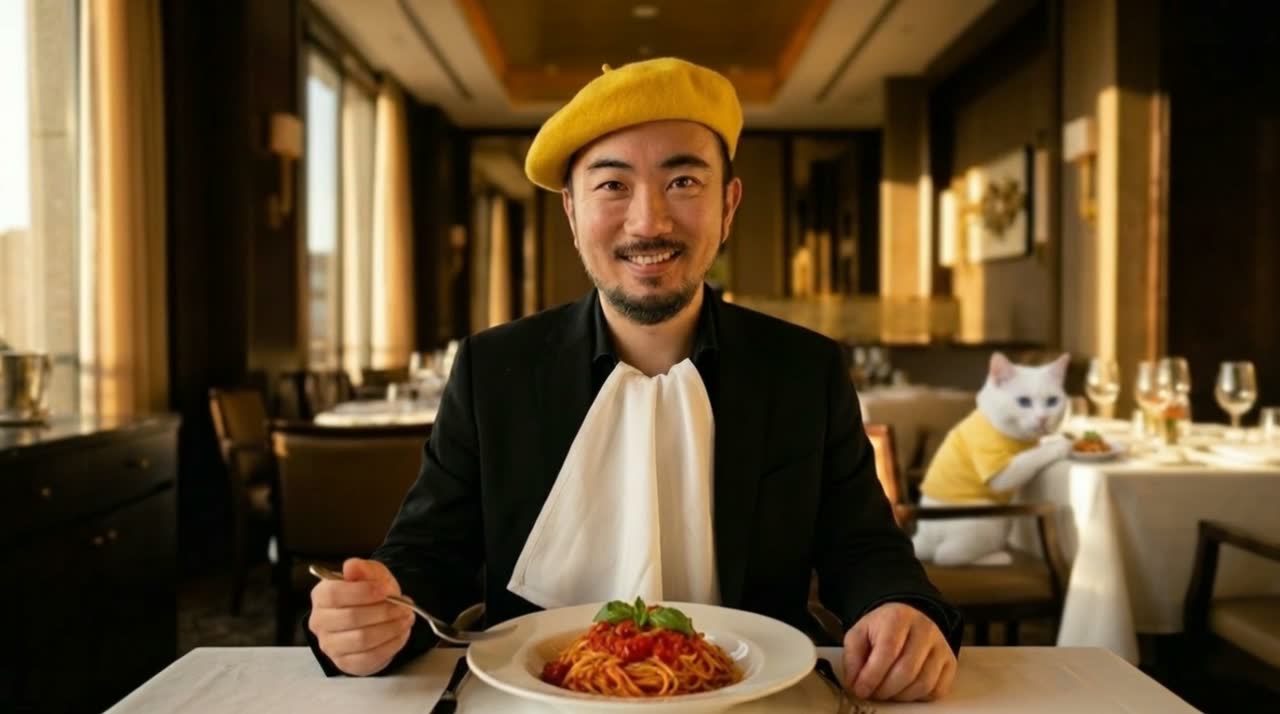
Same frame brought to life using nine different camera motion terms generated with Kling 3.0 Omni.

Same still. One word each. Nine different shots. Tap any clip to play it large, then use ← → to browse.

Pan left shot
Pan left
Pan right shot
Pan right
Tilt up shot
Tilt up
Tilt down shot
Tilt down
Arc left shot
Arc left
Arc right shot
Arc right
Dolly in shot
Dolly in
Dolly out reveal shot
Dolly out
Rack focus shot
Rack focus

Specifying the shot type is the single most impactful thing you can add to a prompt, and the cheapest way to learn it is to shoot the move on your phone once.

03Low-hanging fruit · two

Video → Video.

Not a filter, a rewrite. Your clip provides the skeleton: motion, timing, camera path. Your prompt provides the flesh: subject, world, style. With Gemini Omni you just say what should change, and fan one clip out into many.

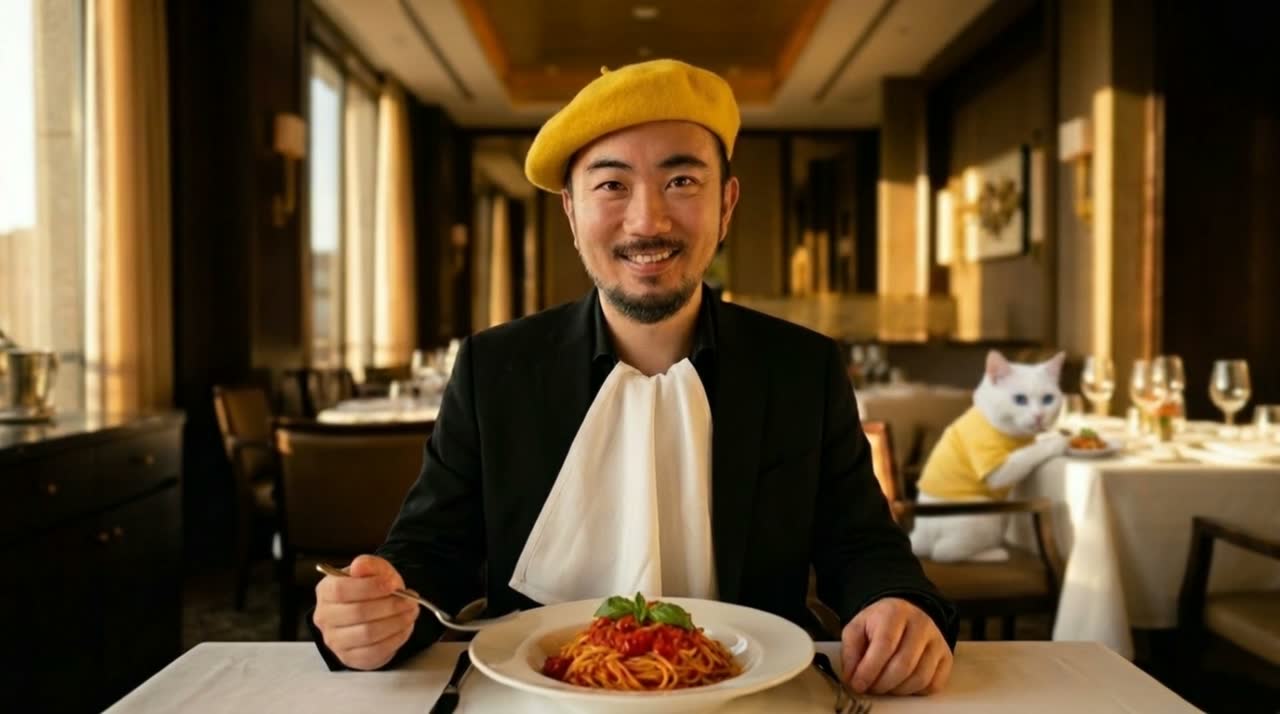
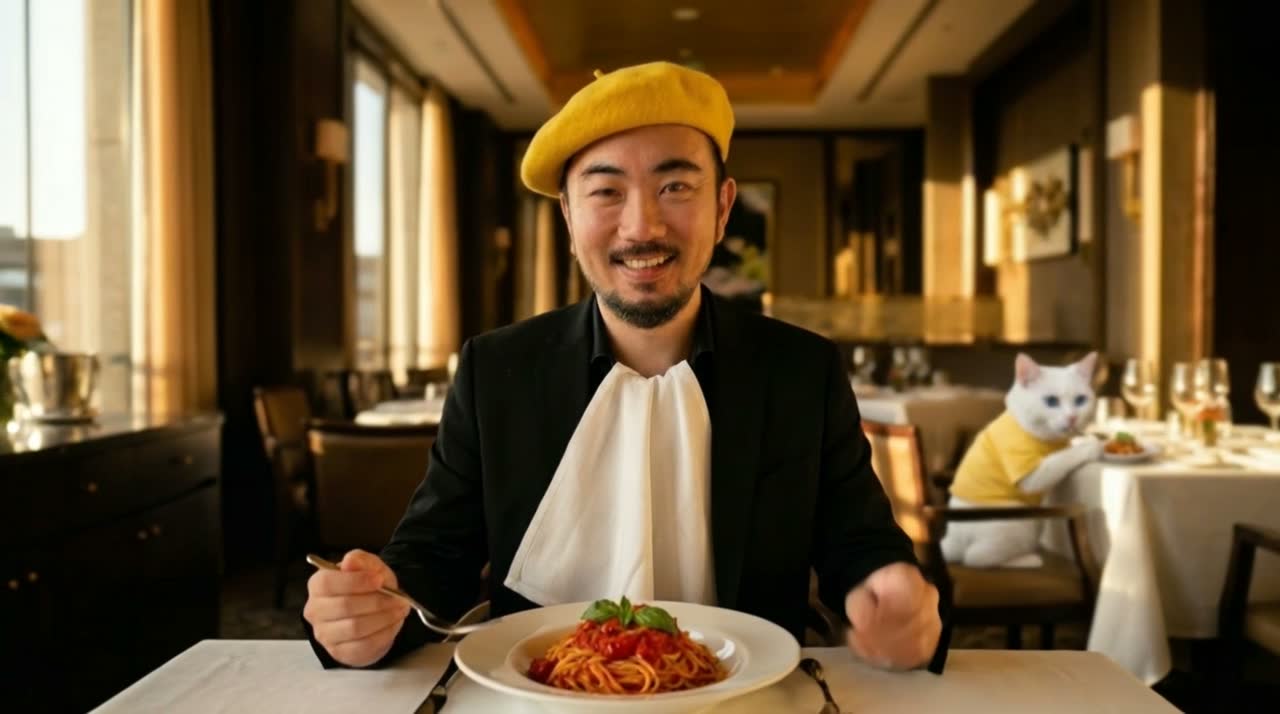
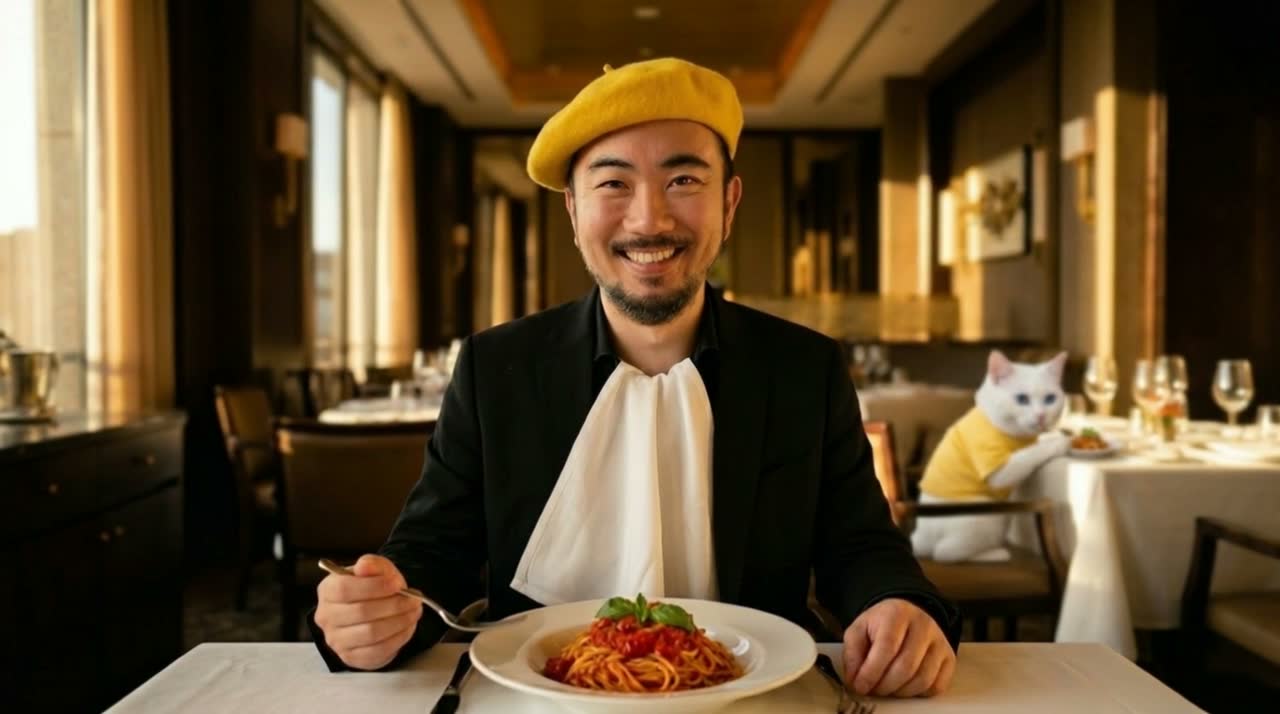
The input clip
The input clip
One input, many outputs

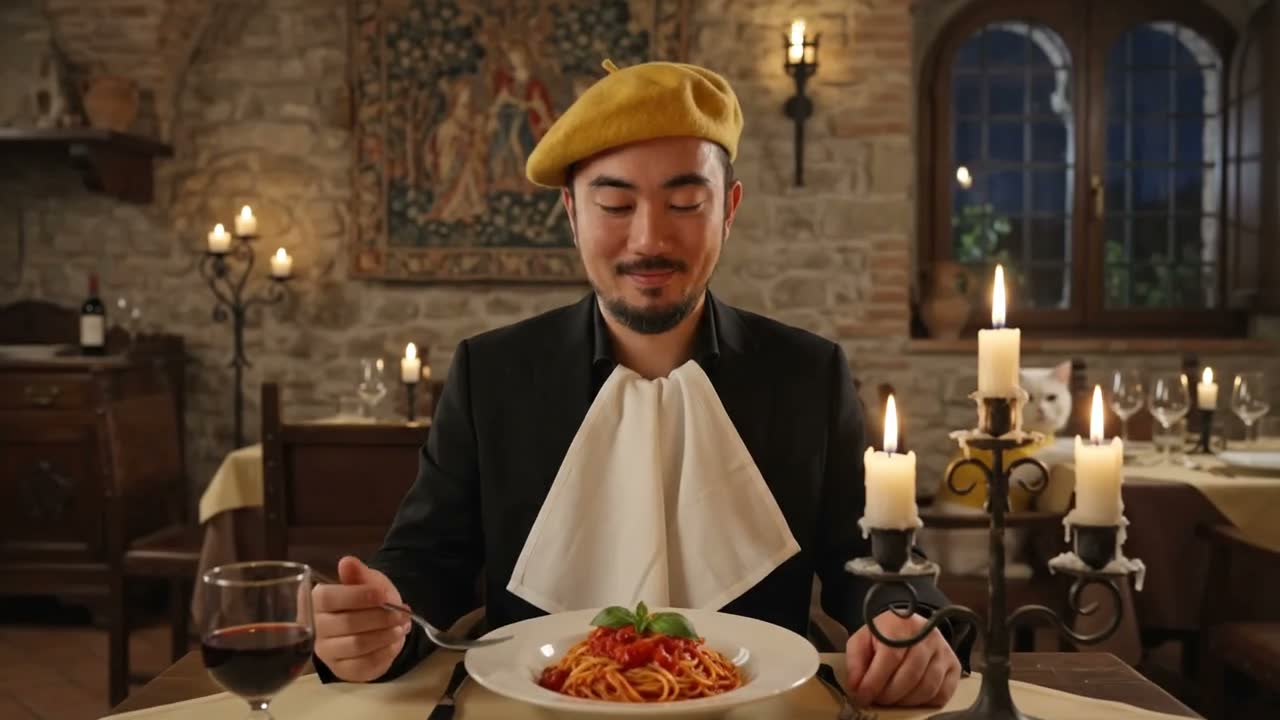
Take one clip and keep talking to the model. Each edit below is a single sentence: the motion and camera stay identical, only what you named gets rewritten.

These six outputs have sound. Tap to play with audio.

Edit: change the location
New location
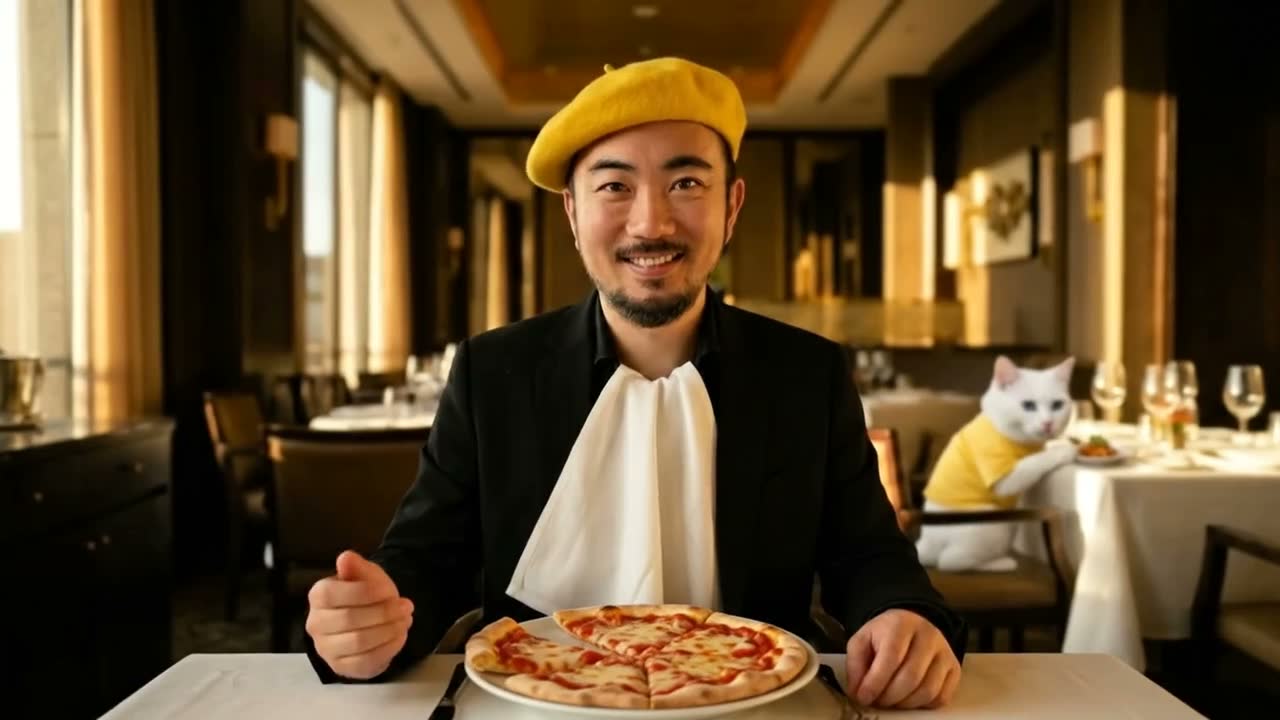
Edit: spaghetti to pizza
Swap the dish
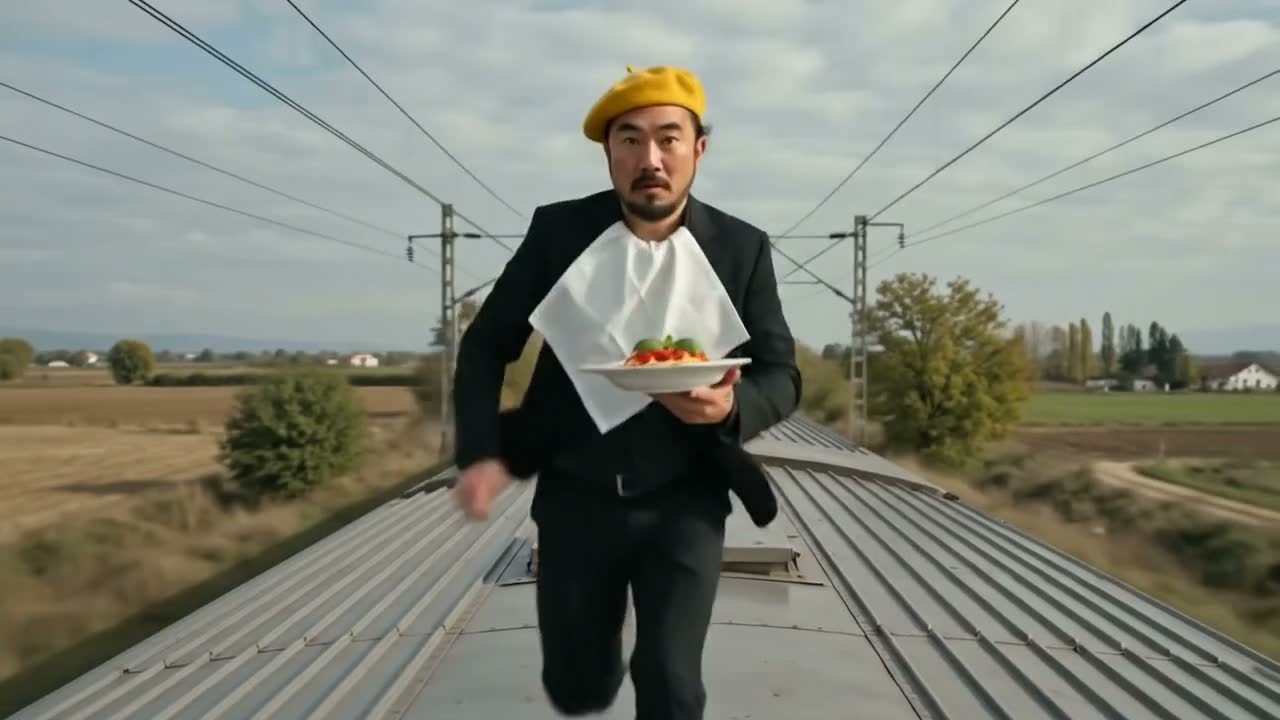
Edit: change the setting to a train
Change the setting
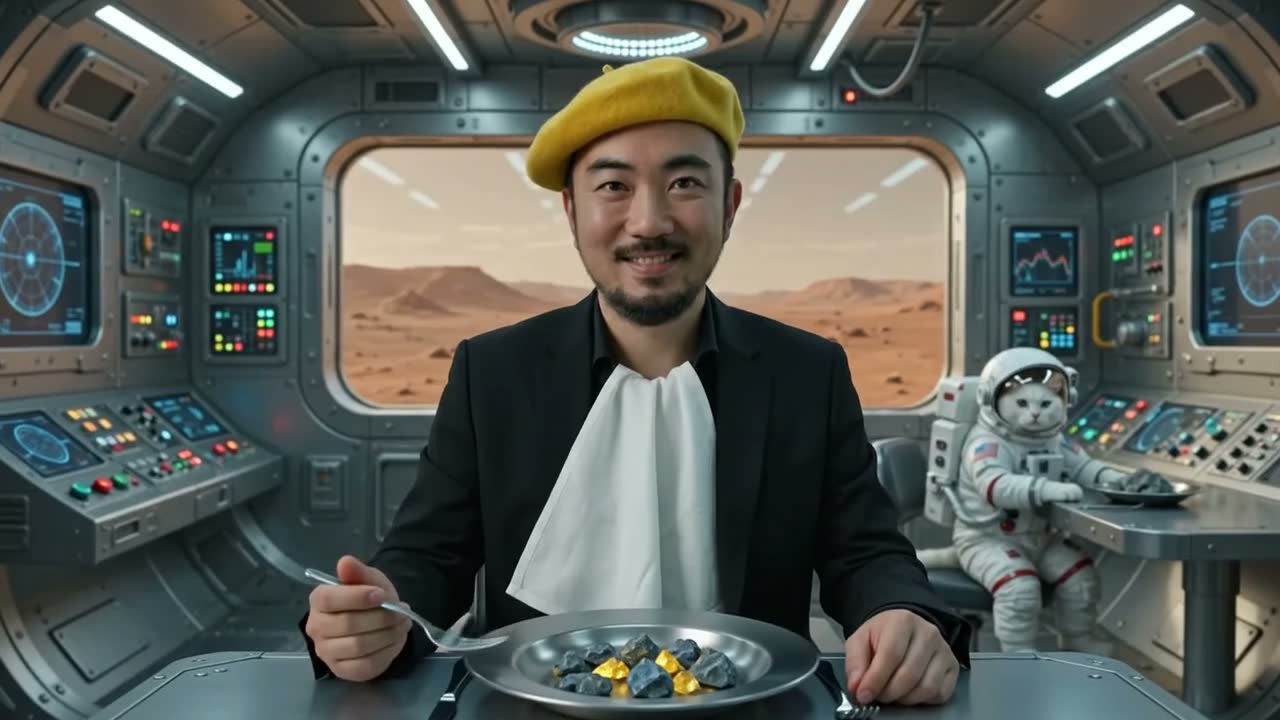
Edit: to Mars eating rocks
Whole new world
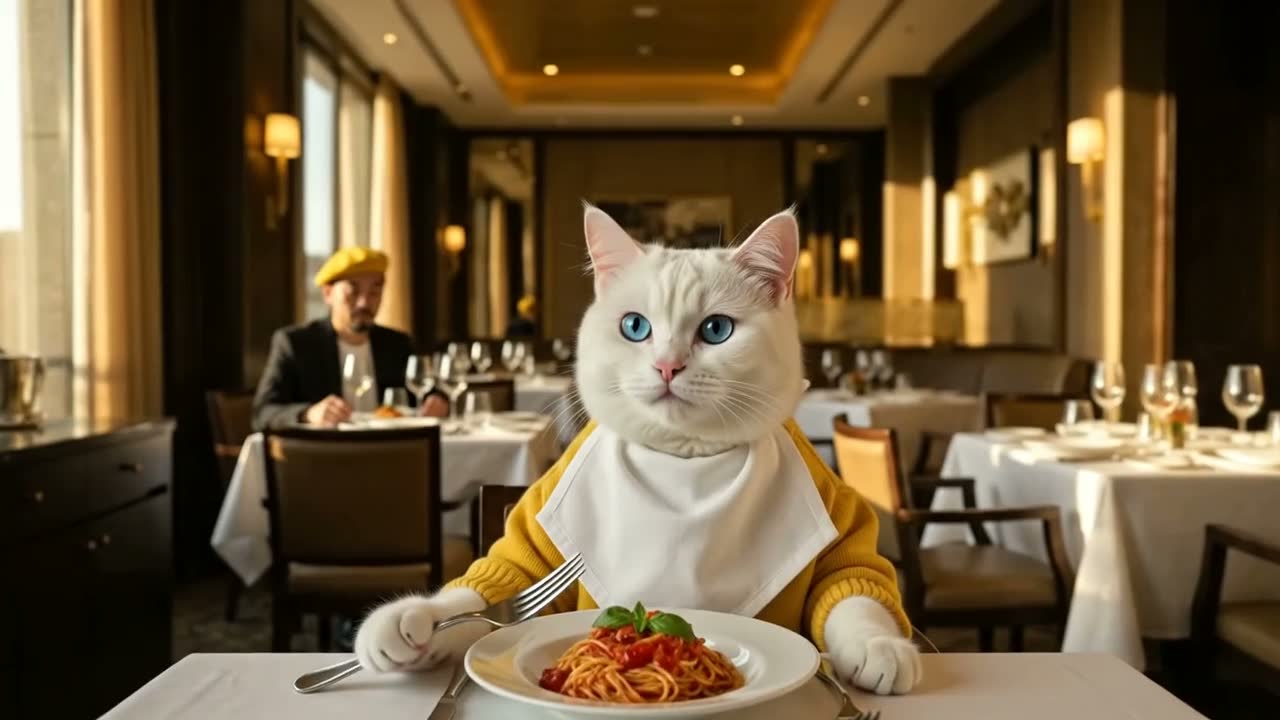
Edit: swap their positions
Swap the character
Edit: bring the cat next to the man
Move a character

Same input video in every panel. The framing, camera path, the character and the world change according to how you describe it.

Now the craft

It all starts as a sentence.

Every clip above began as a few words. The prompt got smaller and the context got larger, but structure still wins. Here is the formula, and a constructor to build one yourself.

04The foundation

The prompt formula.

Structured prompts win. Six short blocks, in order. Build one below: pick or type each term, and it adds up to a ready-to-shoot prompt.

Try it · prompt constructor

Pick from a menu or type your own in any field. The prompt builds itself in the six-block order, and the final prompt is fully editable before you copy it.

This builds a single-shot, text-to-video prompt. Multi-shot scenes, image-to-video, and video-to-video each follow different rules. The full playbook, in the works now, will cover all four. The newsletter gets it first.
01 · Camera
+
02 · Subject
+
03 · Action
+
04 · Environment
+
05 · Style & light
+
06 · Constraints
=
Your prompt  (editable)

Aim for 60 to 100 words, one action, one camera move. Under 30 is under-specified. Changing a field above rebuilds the prompt.

The full AI Video Playbook is in the works. Get it first, plus one tested workflow a month.

Powered by Beehiiv

Bring your idea to life.

The craft above is just the start. The real shift is context engineering (giving the model the right context to work from), and the part that never gets automated is your direction. The newsletter gets the full playbook first, hands-on training brings it to your team, and the live masterclass covers what actually works.

Train your team Partner on AI video Join the masterclass

Creativity is human. AI is the amplifier.